


Share your work order link with your team
Often more than one person at your company works a job: the person who quoted it, the technician on site, and whoever sends invoices. The work order page has a button for passing the page to them....
Last updated
Often more than one person at your company works a job: the person who quoted it, the technician on site, and whoever sends invoices. The work order page has a button for passing the page to them.
Copy the link
- Open your work order (see "Open your work order").
- In the Actions column, find the Share link card.
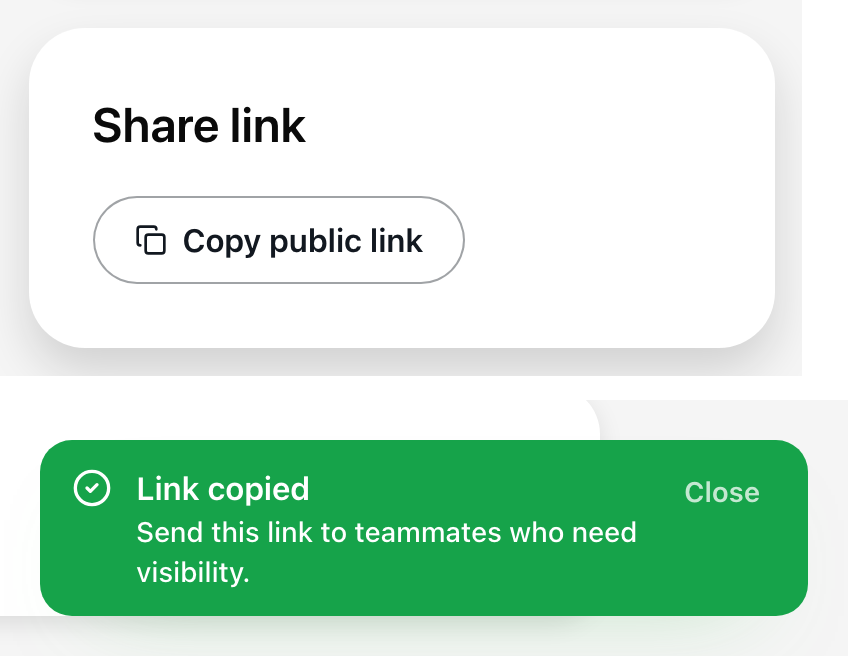
- Select Copy public link.
A message says "Link copied" and "Send this link to teammates who need visibility." The address of the page you are on is now on your clipboard. Paste it into a message or email to your teammate.
If your browser blocks copying, you see "Copy failed" and "Copy the link manually from the address bar." Select the address at the top of the browser and copy it yourself.
What your teammate can do with it
Everything you can. Nobody signs in on this page, so the link is the only key. A teammate who opens it can tick steps, save technician notes, set the schedule, send an invoice, and request completion.
- Agree inside your team who does what, so the same invoice is not sent twice.
- Do not post the link or send it outside your company. Anyone who has it can use the page. See "Stay safe."
- If the link ended up with someone it should not have, tell the property right away (see "Reach the property").
Sharing before you are picked
The RFP page does not have a Share link card. If a teammate needs to help with the quote, copy the page address from the address bar of your browser. After the property picks your company, that same link opens your work order. See "What happens after you submit a proposal."
Losing the link
Teammates can find it again in the original email. You can also open the job from the Vendor Portal with Open work order. See "Which email did you get?"