


When your RFP or work order link is locked or not working
Most of the time your link just opens. This article covers the messages you may see instead, what each one means, and what to do. For the full story of closed links, see "When a job link is no longer...
Last updated
Most of the time your link just opens. This article covers the messages you may see instead, what each one means, and what to do. For the full story of closed links, see "When a job link is no longer available."
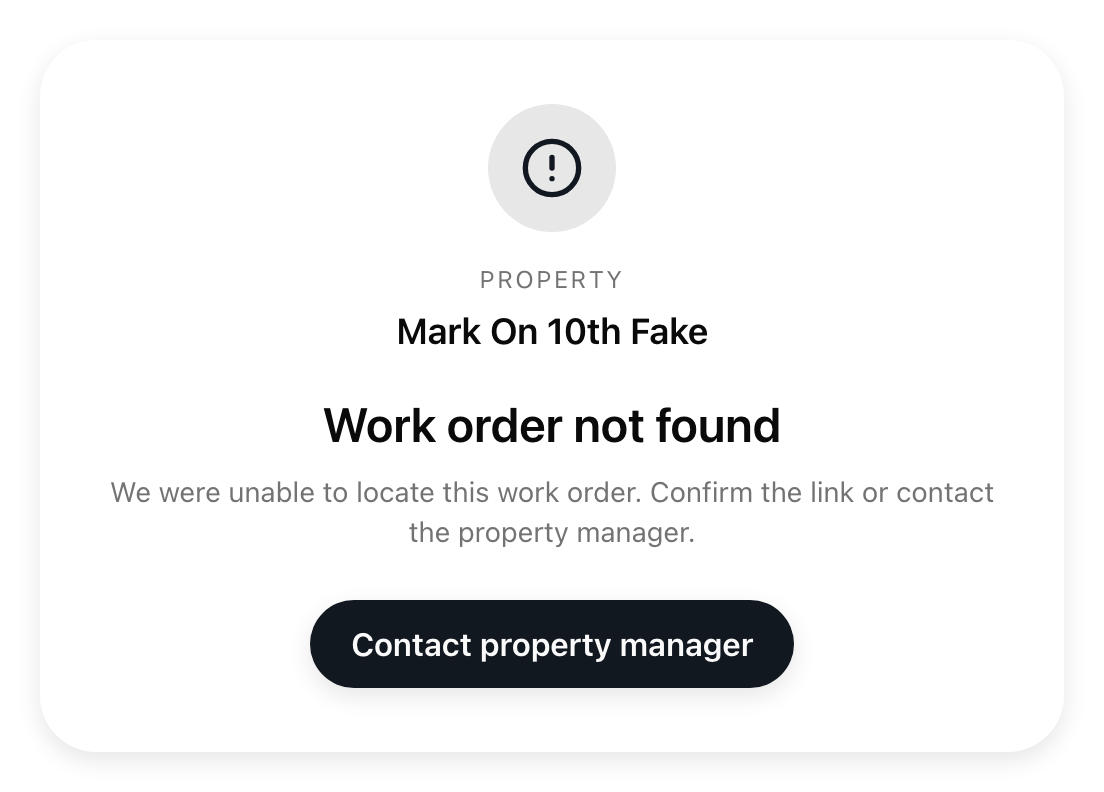
"Link not found" or "Work order not found"
The link has been closed. The property archived the job, or archived your company in its vendor list. Nothing you do on a closed link is saved. If the property reopens the job, the same link works again.
For a closed job link, the property's name appears above the message. Both pages have a Contact property manager button that starts a new email to that property. The page does not show any other details about the job. If the link is not recognized, the property name is not shown and the button starts an email to URBI support at hello@myurbi.co.
The link does not run out by date
There is no expiry date on the link itself. A link only stops when the job or your company is archived. The only date involved is the Expiry Date you may have chosen on your own proposal.
"Work order is locked"
You opened the work order link before the property picked a company. It says "You will see the work order details once the property manager accepts your proposal." Select Back to RFP to see or change your proposal. If another company was picked, you will not get this work order. See "What happens after you submit a proposal."
Your RFP link opens a work order
That is good news. Once the property picks your company, the RFP link takes you to the work order by itself. For a moment you see grey blocks while it switches.
The form is greyed out
A grey note says "This proposal is rejected and can no longer be edited" (or similar). The property has finished with this request. You can still open your files.
"Submission failed" after your Expiry Date passed
The page still opens after the date you chose, and you can still read it. A grey note says when your proposal expired, and the notes, price, and date boxes are locked. You can still open attached files, but you cannot send, change, remove, or add anything. Contact the property manager to ask whether they still want your quote.
"Unable to load RFP" or "Unable to load work order"
The page could not get your job. Select Retry. If the message says to try again in a moment, or to open the link in Chrome or Safari and not an embedded preview, reload the page, or copy the link into your phone's or computer's browser. Some email apps open links in a limited built-in preview.
The page looks out of date
Reload it. The page does not refresh by itself, so a decision from the property, such as approving your work, shows after a reload.
Still stuck?
Open the link again from the original email. If it still fails, contact the property, or URBI support at hello@myurbi.co.